Coming soon
AI Mockup Generator
Your logo, on everything. Place your logo or design on realistic business cards, packaging, apparel, devices and signs.
The AI Mockup Generator is not available yet. Here is what it will do. We have not set a release date.
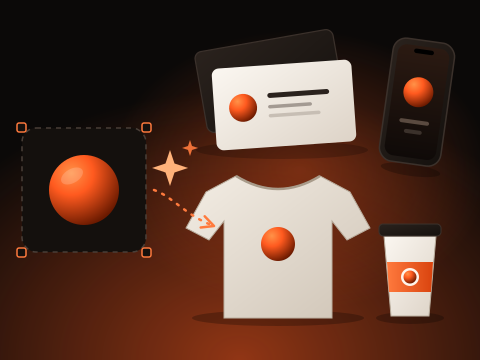
What you get
- 38 mockup types in 6 categories
- Exact placement keeps your artwork untouched
- Scene, lighting, camera angle, material and ratio controls
- Several variations per session with side-by-side compare
- Download as PNG
How it works
- Upload your logo or design (PNG, JPG or WebP; transparent PNG works).
- Pick a category and mockup type, then choose a quick look or fine-tune scene, lighting, angle, material and ratio.
- Generate, compare variations and download the PNG.
Exact placement or AI rendering?
With Exact placement the AI only draws the scene and a blank, flat print area. Your artwork is then warped onto that area in your browser, so logos and text stay exactly as you made them. AI rendering lets the model paint your artwork directly into the scene. It suits curved items such as bottles and cups, but it may subtly change fine details, so always check the result.
Available now
Related tools you can use today.
Background Remover
Remove the background from a photo, then keep it transparent or add a color, gradient or image. Runs in your browser.
Image Resizer
Resize or crop images to exact dimensions, with a live preview.
Social Media Preview
Preview your image on Instagram, Facebook, LinkedIn, TikTok, X, Pinterest and YouTube, then crop and export every size.