Guide
How to remove an image background online for free
Published
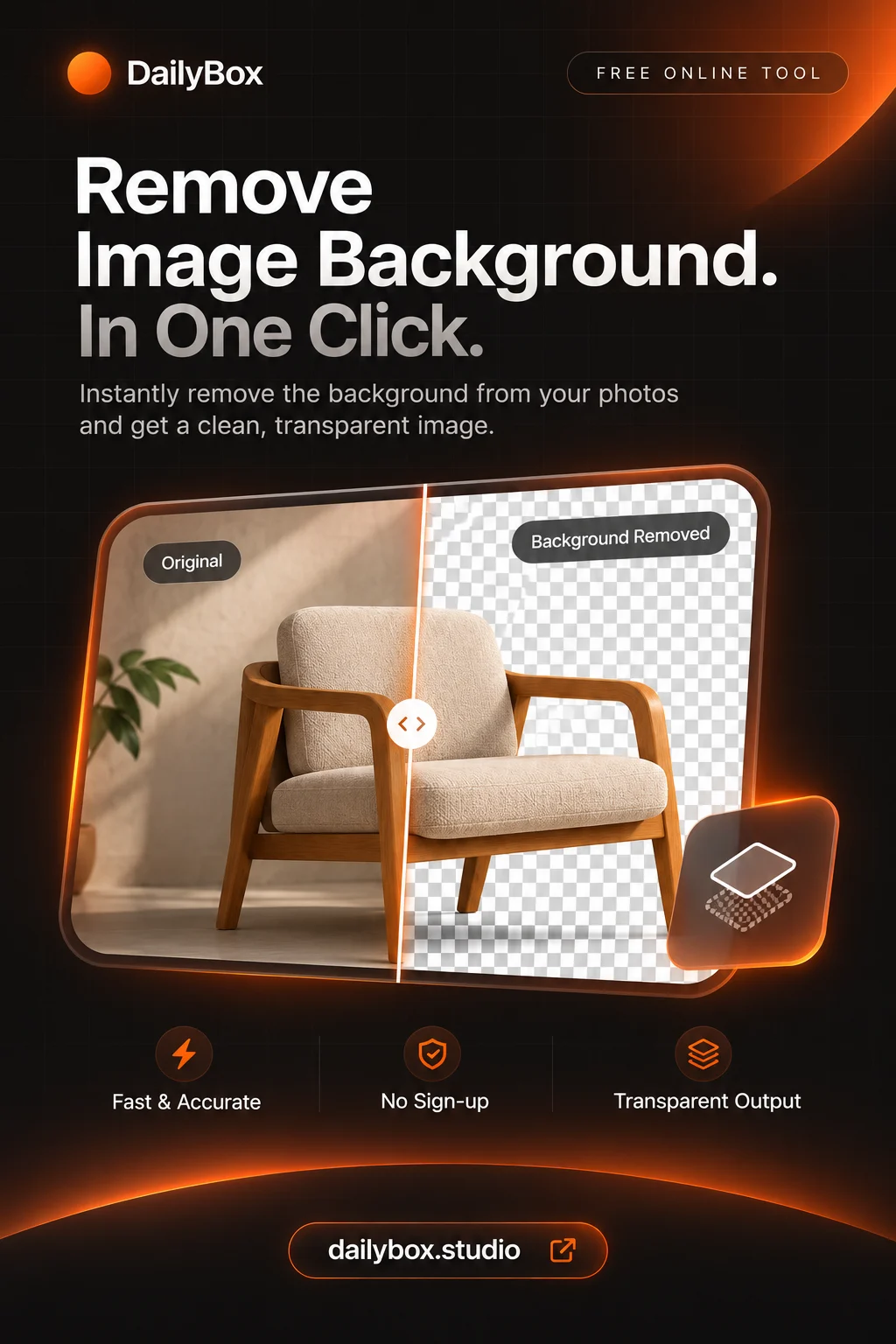
Open the background remover, add a JPG, PNG or WebP image, choose an engine and download the cut-out. It is free and needs no account.
Remove the background step by step
- Add your image (up to 25 MB and 12,000 pixels).
- Pick an engine: Standard for cleaner edges, Fast for a lighter and quicker result.
- Wait for the cutout and check the edges.
- Keep the background transparent or choose a colour, gradient or image.
- Download as PNG to keep transparency.
Which engine to choose
Standard and Fast run in your browser. Standard downloads a model the first time, which can take a moment. If the optional cloud engine is available and you select it, the image is sent to remove.bg. Pick a browser engine if you want the photo to stay on your device.
Get cleaner edges
- Start from a high-resolution photo.
- Choose pictures where the subject contrasts with the background.
- Hair, glass and shadows are hard for any tool; expect to check them.
Common uses
Product shots on white, profile pictures, and cut-outs for slides and posters. After the cut-out, resize with the image resizer or shrink it with the image compressor.
Transparent or coloured?
JPG cannot store transparency. Save as PNG or WebP if you want to place the subject on another design; add a colour in the tool if you want a finished image. See also compressing images without losing quality.
Questions and answers
Is it really free?
Yes, the tool is free to use without an account.
Is my photo private?
With the Standard and Fast engines the photo is processed in your browser. The optional cloud engine sends it to remove.bg.
Why is there a download the first time?
The Standard engine downloads its model once so it can run in your browser.