Guide
How to merge PDF files online for free
Published
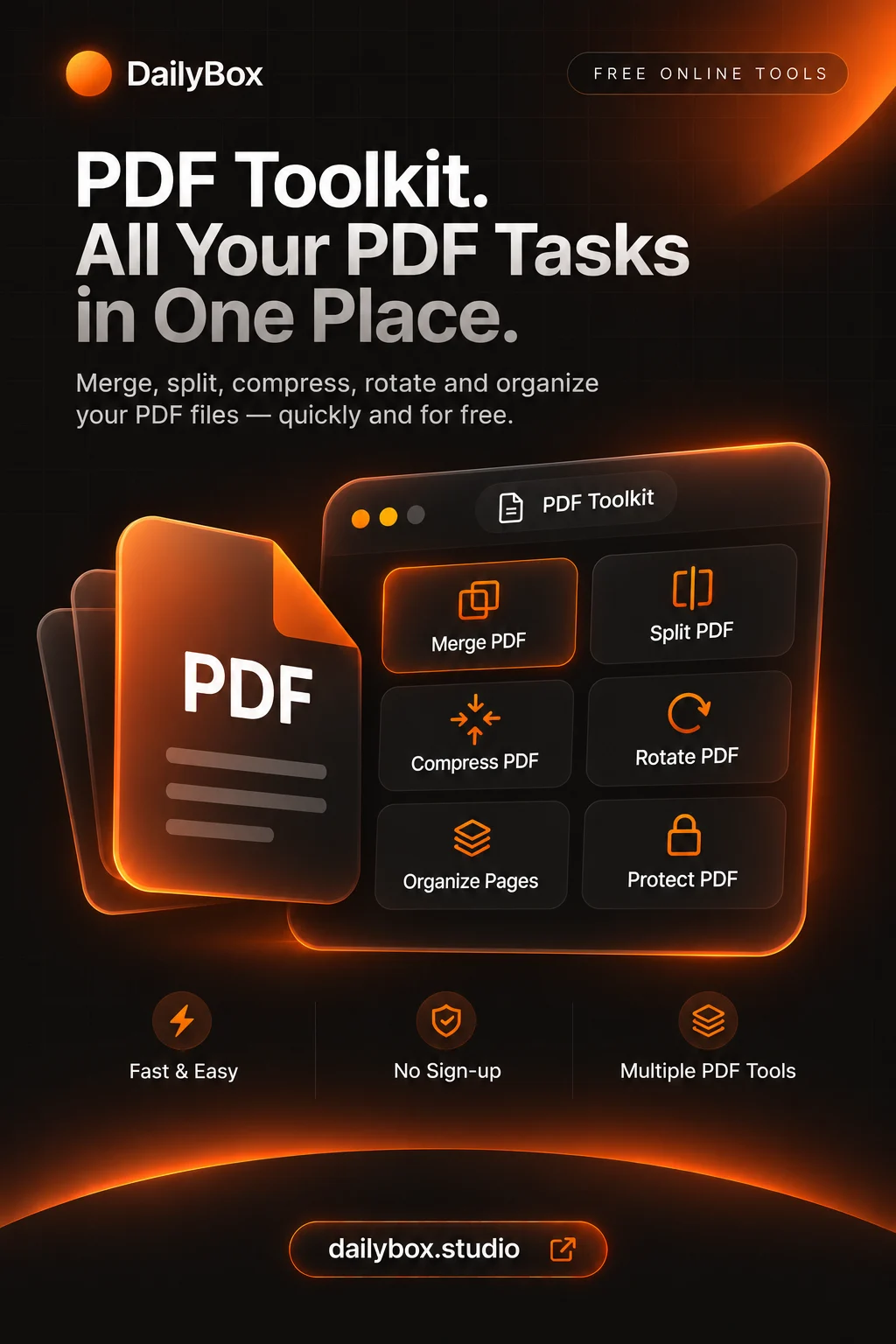
To merge PDF files, open the PDF Toolkit, choose the merge action, add two or more PDFs in the order you want, and download the combined file. It is free, needs no account and runs in your browser.
Merge PDFs step by step
- Open the PDF Toolkit and select merge.
- Add your PDFs. They are joined in the order listed, so add them in reading order.
- Check the list, then run the merge.
- Download the new PDF and open it to confirm the pages are in the right order.
Get the order right
The result follows the order of your list. Name files with numbers (01-cover.pdf, 02-cv.pdf) so they are easy to sort before you add them.
Merge scans and photos too
Have photos or screenshots instead of PDFs? Use the images to PDF action first to turn JPG, PNG or WebP files into a PDF, then merge it with the rest. Large phone photos make heavy PDFs, so consider compressing the images first.
If the merged file is too big
A merged PDF is roughly as large as its parts combined. To get under an email limit, run it through the PDF compressor. Note that the compressor turns pages into images, so the text becomes non-selectable; keep the original.
Is it private?
The toolkit processes files in your browser, so they are not uploaded. That is why merging works without an account.
What this cannot do
DailyBox does not convert PDF to Word and does not edit text inside a PDF. For those jobs you need a different tool.
Questions and answers
How many PDFs can I merge?
You need at least two. Very large files depend on your device memory, since processing happens in the browser.
Does merging reduce quality?
Merging joins the pages without re-rendering them. If you compress afterwards, image quality drops depending on the level you choose.
Can I merge only some pages?
Yes. Use the extract pages action first (for example 1, 3-5), then merge the results.