Guide
How to create a QR code for your business
Published · Updated
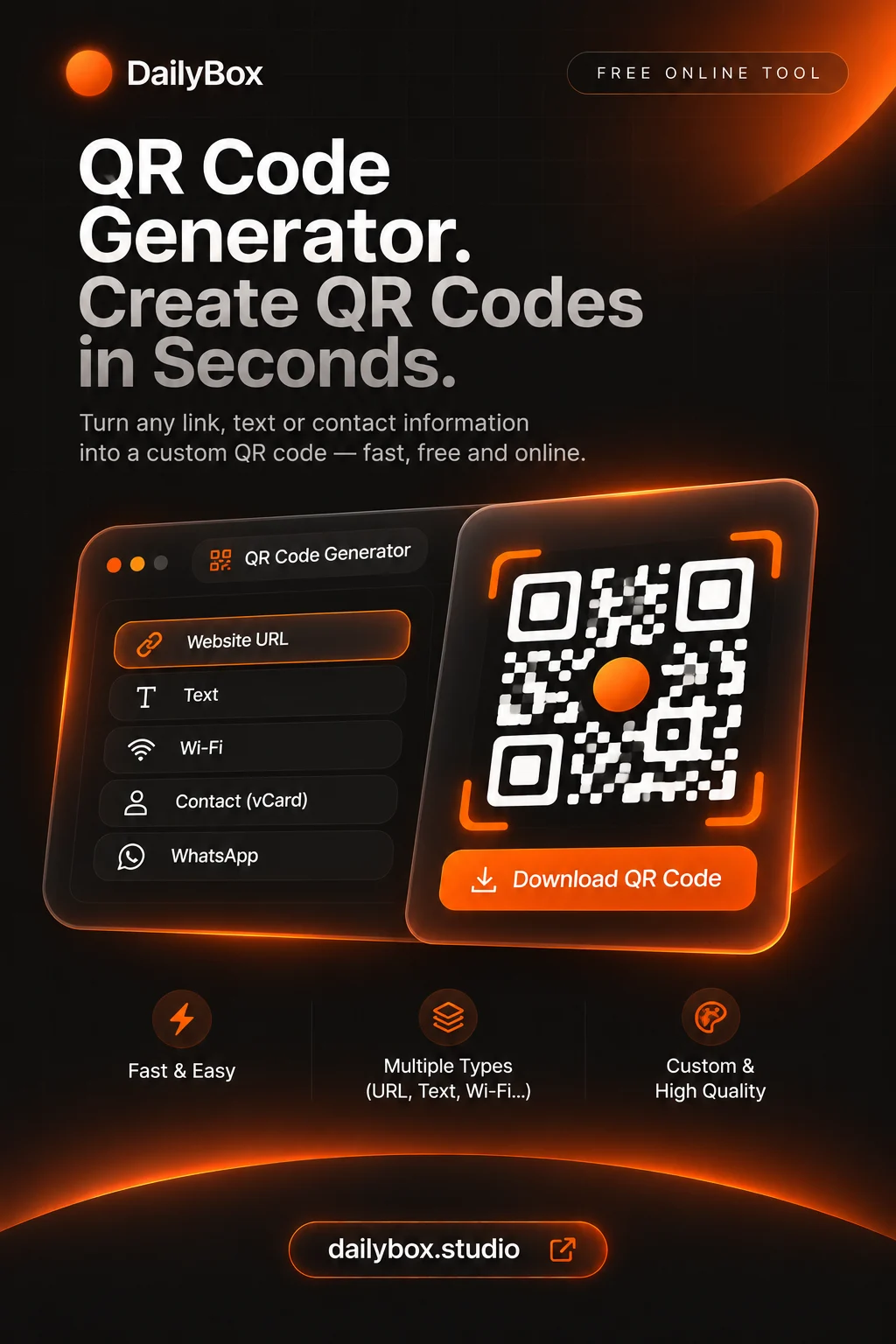
Open the QR code generator, choose what the code should do (open a link, join Wi-Fi, start a WhatsApp chat, save a contact), pick the colours and download it as PNG or SVG. It is free and runs in your browser.
Pick the right type for your business
- Website or menu: a link code.
- Guest Wi-Fi: a Wi-Fi code, so nobody types the password.
- Customer chat: a WhatsApp code.
- Business card: a contact card code.
Create the code
- Select the type in the QR code generator.
- Enter the details and double-check every character.
- Choose colours with strong contrast.
- Download the SVG for print or a large PNG for screens.
Print it so it scans
- Dark code on a light background is most reliable.
- Do not make it very small; test the printed result.
- Keep an empty margin around it.
- Scan it with more than one phone before printing a batch.
Static codes: what to know
These codes contain the information itself, so they never expire, but you cannot change the destination after printing and there are no scan statistics. Link to a page you control so you can update its content later.
Make the image fit your layout
Need a specific size for a flyer or sticker? Use the image resizer. New to the idea? Read what a QR code is.
Questions and answers
Is it free for business use?
The generator is free and needs no account. Check your own needs for printing and licensing of the material you link.
Will the code expire?
No. Static codes hold the data in the pattern.
Can I see how many people scan it?
No. The codes are static and have no analytics.
Is there a free QR code generator?
Yes. The DailyBox QR code generator is free, needs no account and lets you download the code as PNG or SVG. You can encode a web address, text, Wi-Fi details, a WhatsApp number, an email address or a phone number.